Text Size
Menu
close
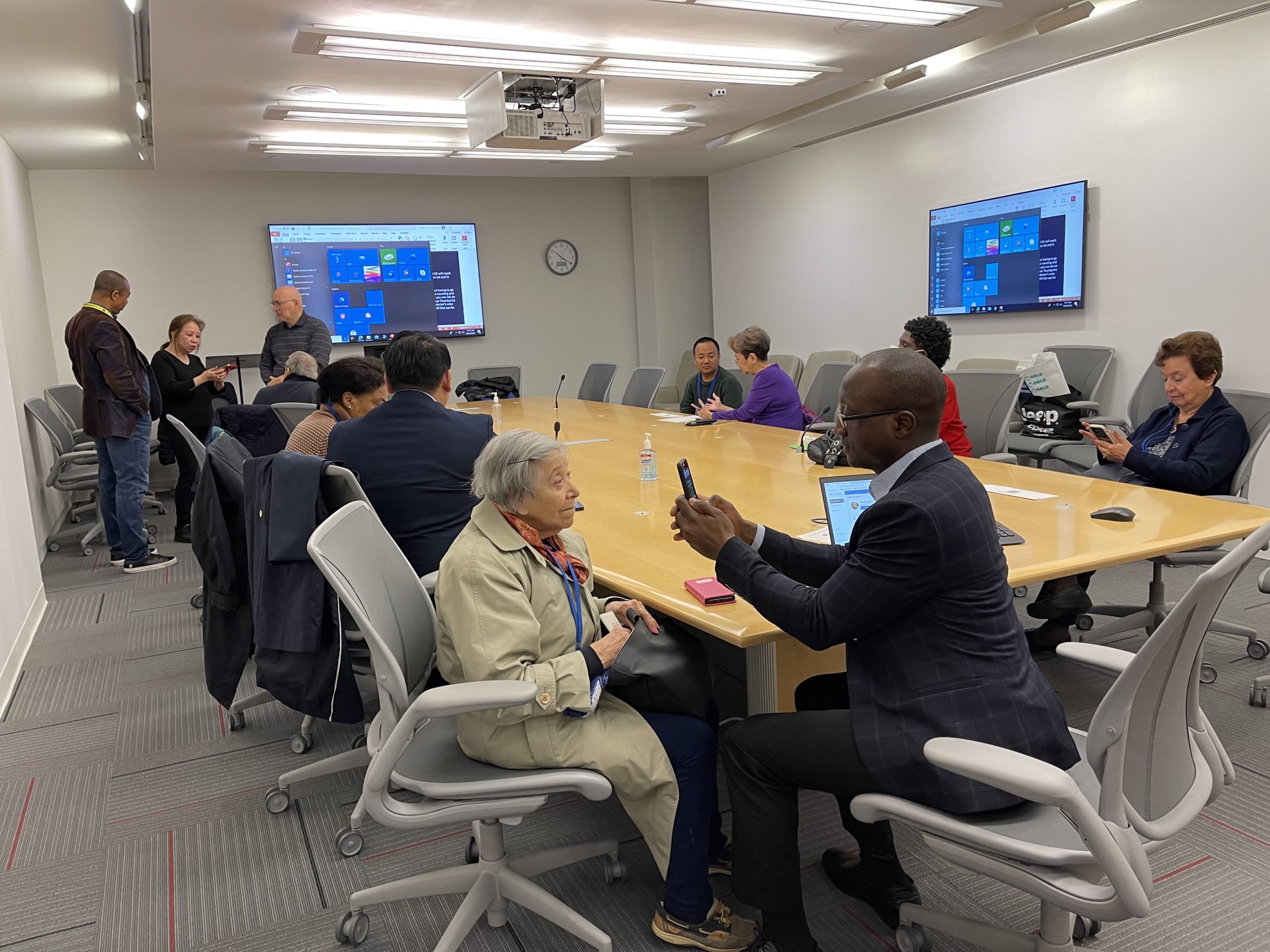
Changing or upgrading your phone does not mean losing access to the United Nations Joint Staff Pension Fund (UNJSPF) Digital Certificate of Entitlement (DCE) app. Beneficiaries can continue using the app to submit their digital proof of life on a new device.
Restoring your DCE profile on a new phone
If you use the same Apple ID on an Apple device or the same Google account on an Android device, you can install the DCE app on your new phone and restore your profile, provided it was backed up.
For Apple (iOS) users, the DCE profile is backed up automatically during enrollment. Android users are asked during enrollment whether they want to back up their DCE profile and biometric information. If they agree, they can restore the profile on a new Android device using the same Google account.
Re-enrolling if your profile cannot be restored
If your previous phone is lost, stolen or damaged, or if your profile or biometric information cannot be restored, install the DCE app on your new device and re-enroll.
You will not need to go through the initial enrolment queue or complete a video call again. The DCE Support Team will review and approve the re-enrollment.
Changing only your phone number
If you change your phone number but continue using the device that has your DCE profile, you can keep using the app. Changing your phone number alone does not require re-enrollment.
For more information, visit the Digital Certificate of Entitlement webpage. If you need help enrolling or using the app, contact the DCE Support Team at [email protected].



